Let the melody breathe
Lush and Mist set the mood before the drums enter.
 LTBB STUDIO
Create beats, write lyrics, and turn your ideas into songs with Studio Playground and Beat Arranger. Explore on your own, or bring LTBB’s curriculum and guided sessions to your group.
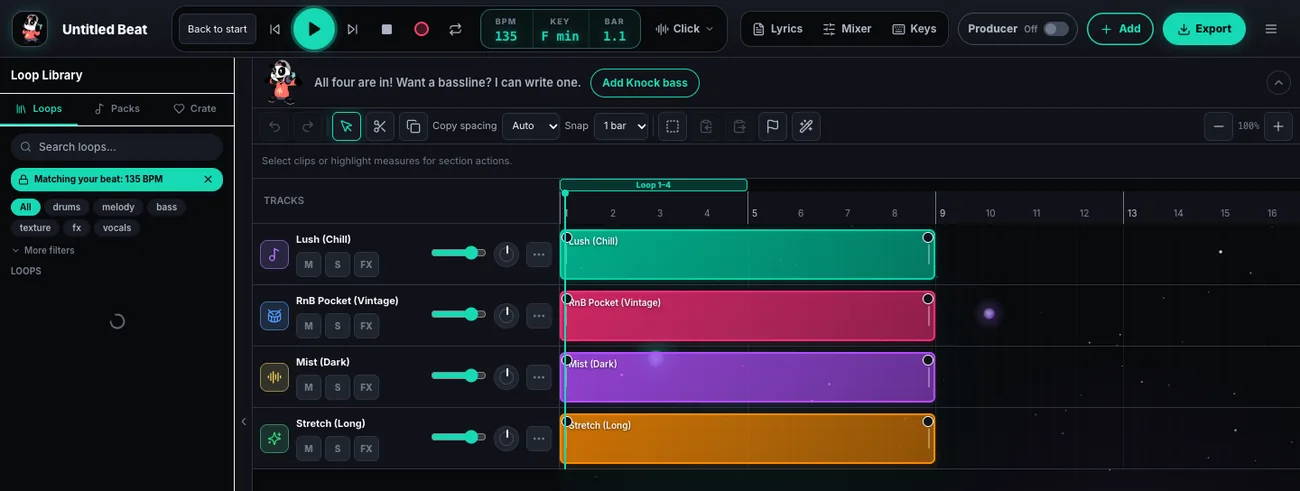
Lush and Mist set the mood before the drums enter.
The drums establish the rhythm before Lush and Mist come in.

Pizzul’s listening challenge. Same sounds. Different entrances. Which version feels more like you?
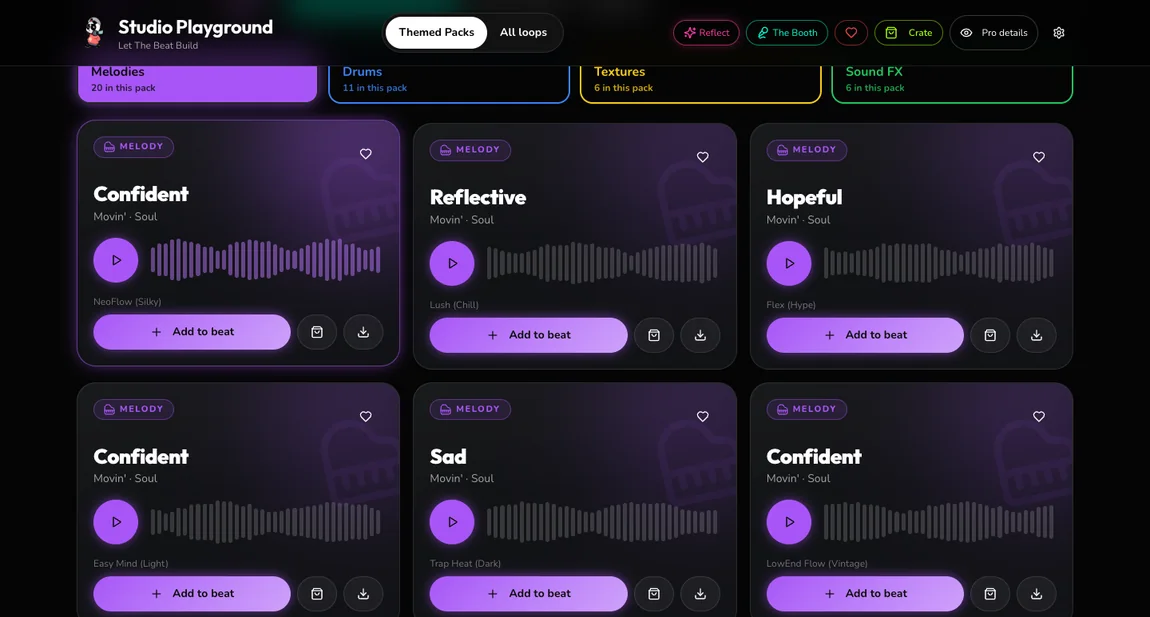
Start with the melody, the main tune, and drums for the rhythm. Add texture for background atmosphere and FX, short sound effects, for accents.
Listen to a sound pack, choose layers that work together, and hear the beat take shape. A loop is a short recording that repeats. Arrange those loops into a song in Beat Arranger.
Choose your starting soundsAnswer a prompt, choose words you want to keep, and shape a personal story into lyrics with Pizzul in a facilitated session.
Already in a class or program? Join with your code.
Understand Reflect staff access
Join a Reflect sessionSee Reflect in a demoWrite over a beat, find rhymes, and practice your flow: how your words land against the rhythm. Take your song sheet into Beat Arranger when you’re ready.
Enter The BoothTwo ways to get there. Sample writing created for this walkthrough.
What makes you unique?
“Music helps me find my own sound.”
Keep “my own sound” as you shape the song.
I make my own sound, I find my own way
A little more me in the beat every day
Illustrative lyrics. In Reflect, you review and edit the song, then keep a printable Story Card and song sheet.
A hook is the memorable part you repeat. A verse tells the story around it. Say your lines over the beat and adjust where the words land.
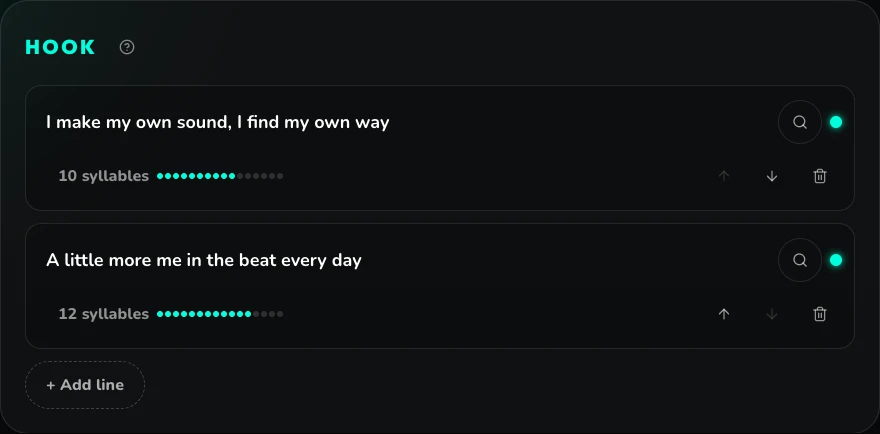
Count syllables, find rhymes, and save a song sheet as text or print. Songs stay in this browser, so download a copy to keep.
BPM means beats per minute: how fast the beat moves. Pick a pack, then make it your own.


Reggaeton and R&B · 90 BPM
Explore the Sound Library
R&B · 90 BPM
Explore the Sound LibraryNew sounds. Product news. What’s next for Studio Playground and Beat Arranger.
Keep exploring the tools now. This list is optional, and joining doesn’t create an account, buy a plan or guarantee access to a future release.
Start with eight bars, then build a song by deciding when each sound enters. In this project, a bar is four beats, so eight bars is 32 beats. Each step gives learners something to make and facilitators something to assess.

Pizzul’s challenge. Find where the drums come in. What would you change if you wanted a quieter intro?
Identify drums, melody, texture, and FX by ear. Start with a drum pattern to set the groove.
Choose a melody in Studio Playground. Hear how texture and FX change its mood.
Open the beat in Arranger. Decide when each layer enters the intro, verse, and hook.
Listen to a classmate’s track and give specific feedback. Explain one choice you made in yours.
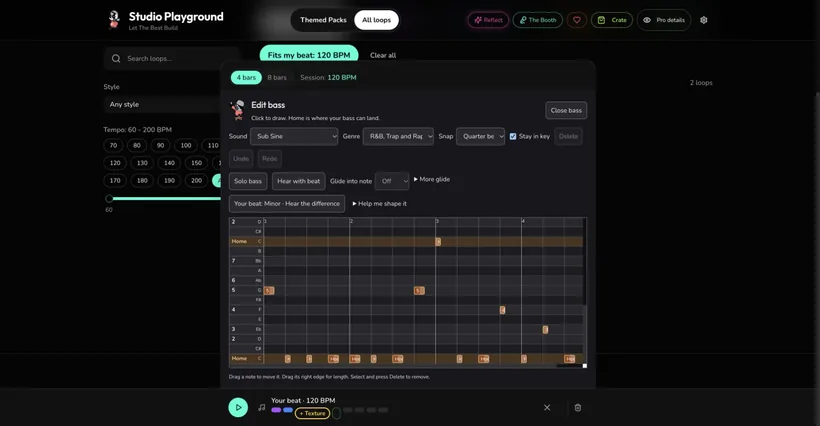
The tools stay at the center. The projects and guidance grow with the learner.
Elementary · Guided exploration
Explore the Four Colors, build a beat, and choose sounds that tell a story. Partner challenges, peer feedback, and playful Sauce Boss pitching activities give young creators reasons to listen, revise, and share.
Middle school · Community partners · Ages 11–14
Connect beat-making with personal writing, artist identity, and a family showcase. Studio Playground and Beat Arranger support the music; facilitated branding and video activities bring the bigger project together.
Deeper reflection can stay on paper. Reflect offers a facilitated digital option; visual design and video are separate program activities.
Explore a middle-school community programHigh school · ISDs · Grades 9–12
Grow from production and arrangement into sound design, mixing, music business, and copyright. Innovative Digital Music Technology (IDMT) connects creative projects to career exploration and a capstone collection of music.
Creating as an adult? Start with the beat or explore adult workshops and team sessions.
In our LCC curriculum, finishing means more than starting a beat. Facilitators check that the music is saved, exported, and ready to use, and that the learner can explain its meaning.
Adapted from LTBB’s Latino Cultural Center 2026 curriculum, Appendix B: Student Completion Rubric.
| Check | In progress | Complete | Showcase ready |
|---|---|---|---|
| Music | Beat started; arrangement or export still needs work. | Beat complete and saved. | Beat exported and usable in the showcase or video. |
| Story | Learner has ideas about what the work means. | Learner can explain its meaning. | Learner connects the work to identity, family, or goals. |
Bring the software, hands-on activities, and facilitator support into your setting. Choose a workshop, a recurring program, or a creative lab.
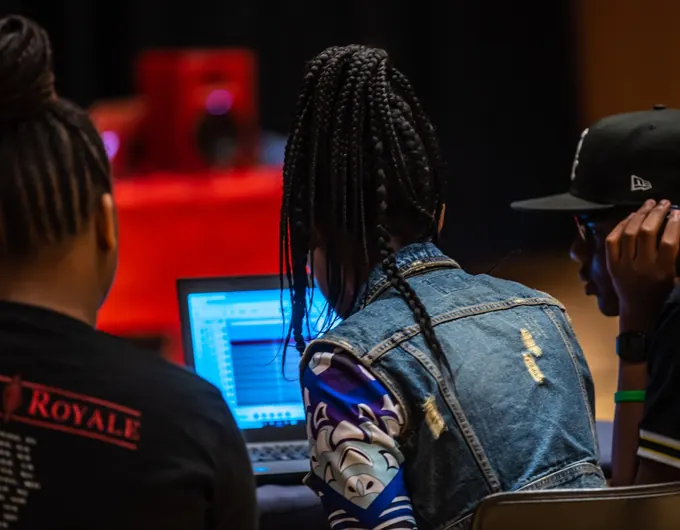
For educators · Lesson plans, rubrics, training, and implementation coaching.

Bring music-making into a youth center, afterschool program, or summer session. For middle schoolers, connect beats and personal writing with artist identity and a showcase.
Choose a music-focused session or a wider creative program with branding and video activities. Match the plan to your site, schedule, and participants.
For partners · LTBB-led sessions or training and activity guides for your staff.
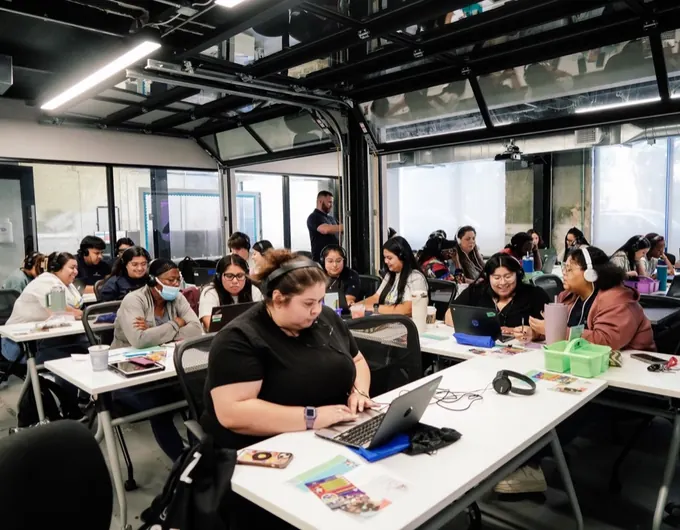
Explore a new creative practice on your own, or join a facilitated adult workshop. Choose sounds, build a beat, and practice turning an idea into music.
For workplace teams, making a track together opens a conversation about listening, shared decisions, and collaboration.
What you make · Music to play back and share, with creative choices you can explain.
Set up a dedicated space for recurring sessions. LTBB can help with studio equipment, software, curriculum, staff training, and ongoing support.Discuss a lab at your site
Bring a beat-making station to an assembly, festival, or community event. Participants make and hear a short beat on site. At events with take-home access, families get a link to listen or download.Plan an event experience
Older youth work from a brief, take on a production role, revise from feedback, and present finished work. Eligible participants can pursue peer mentoring or supervised work.Discuss a workforce partnership
Tell us who you work with and what you want people to make. We can talk through the software, a sample session, and the support your team needs.
Prepare an email draft, review it in your email app, then send when you’re ready. How inquiries work.
Use a laptop, desktop, iPad or tablet for the music tools. Phone editing is coming later.
Saving, staff access, optional AI, and getting help.
Each tool has its own saving and access options. Program participants should follow their facilitator’s instructions.